LCC Email Signature Instructions
Please request a Full and/or Basic signature using the forms below. We will then send your signature to you via email.
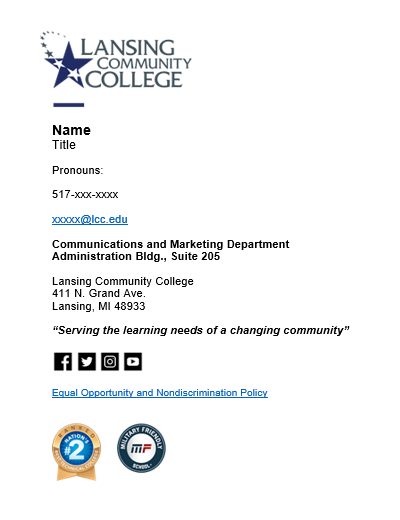
You may use up to the number of elements (name, title, etc.) in a Full signature or as few as included in a Basic signature. Both examples are below.
Important Note: Be sure to add your email to both sections of the email entry.
Signature change instructions for desktop Outlook
Signature change instructions for Outlook 365
Simple Instructions
- Step 1: Create signature using Gimmio link
- Step 2: Open an Outlook email message
- Step 3: Select Signature - Signatures from the Message menu (use dropdown menu)
- Step 4: Select New, then name the signature
- Step 5: Copy-paste your new signature into the text area
- Step 6: Set it as the default for your messages
Full Email Signatures
Complete and submit this form and your email signature will be sent to you within 5-7 business days.
Fill out my online form.
Example
Basic Email Signatures
Complete and submit this form and your email signature will be sent to you within 5-7 business days.
Fill out my online form.
Example