Accessibility focuses on ensuring that materials, products, devices, services, and environments are usable by as many people as possible, including individuals with disabilities. At Lansing Community College, our policies strictly align with federally mandated accessibility laws, including the Americans with Disabilities Act of 1990 (ADA) and the Rehabilitation Act of 1973. More details on how LCC upholds these disability laws and supports our campus community can be found on our Disability Law page.
By adhering to these legal and ethical standards, we focus on providing individuals with disabilities the same access as those without disabilities in an equally effective and integrated manner. This ensures everyone has equal opportunity when:
- Acquiring information: Accessing online course materials, website text, and public documents.
- Engaging in interactions: Utilizing student portals, registering for classes, and participating in digital forums.
- Enjoying services and benefits: Benefiting from campus resources, virtual tutoring, and student life activities.
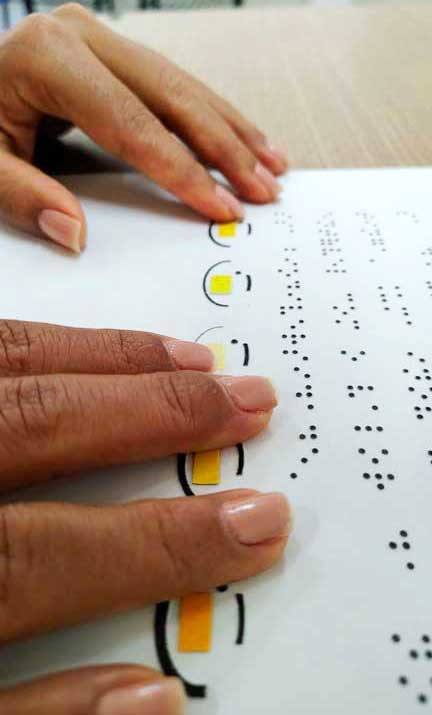
To make this a reality, following inclusive design practices during the initial development of files, forms, and multimedia is essential. By designing with everyone in mind from the start, content creators can identify and proactively remove potential barriers before they ever reach our students and staff.
Need help or found a barrier?
If something on an LCC website, form, or document is hard to use, report a web accessibility barrier. Students who need accommodations can contact the Center for Student Access.
Faculty and Staff
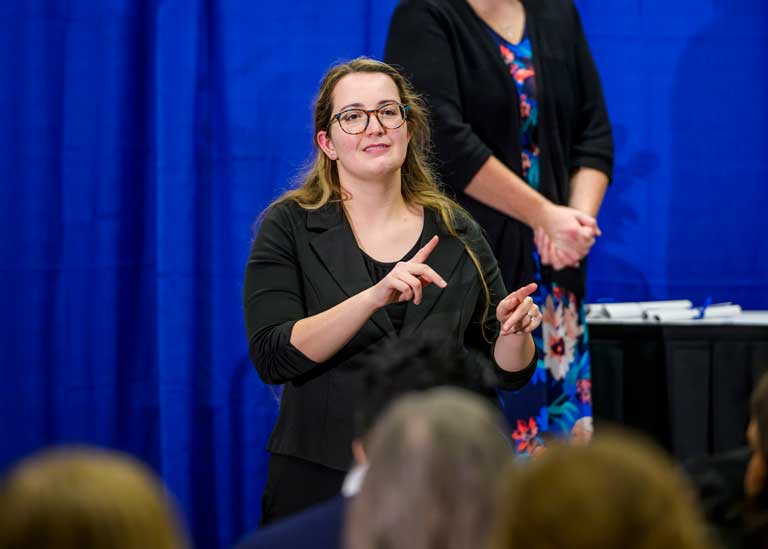
How does accessible design apply to you and your role at LCC?
At LCC, creating an inclusive environment is a shared responsibility. All faculty and staff are expected to design materials that anyone can access independently. This includes direct access as well as compatibility with assistive technologies like screen readers, magnification tools, or voice dictation software.
By intentionally practicing accessible design from the start, we ensure our materials are instantly usable by everyone, eliminating the need for students or staff to go through a formal accommodation process just to access standard content.
Resources to Help You Succeed
You don't have to figure it out alone. LCC provides several tools and training options to help you build accessible materials:
Self-Paced Training
Dedicated accessibility training modules are available directly through the LCC Talent Management System (TMS).
1-on-1 Support
The eLearning team hosts Accessibility Office Hours where they can work individually with you on your specific documents, courses, or media.
Quick-Reference Guides
The official LCC Accessibility Guidelines include step-by-step instructions and best practices for building or fixing your materials to meet LCC's accessibility standards.
Quick Wins for Everyday Content
- Syllabi and Handouts: Use proper heading structures in Microsoft Word and PDFs, starting with heading level 1 for the title.
- Videos: Ensure all institutional or course videos have accurate closed captions and that audio descriptions are provided for videos where key visual details are not conveyed through existing narration.
- Emails and Web Pages: Write descriptive hyperlink text to convey where the link goes (e.g., avoid "Click Here").